Tales of Eternia Remastered Quality-of-Life Settings
Choose destination guidance, enemy encounters, high-speed auto-battle, graphics, and sound-effect modes around the task you want to complete in the remaster.
Choose a baseline you can restore, then change one convenience at a time. Destination markers help navigation, the encounter toggle changes travel pace, high-speed auto-battle serves a different purpose from learning, and presentation modes are a preference rather than a measured performance claim.
View reference image
On this page
Choose Tales of Eternia Remastered settings around the task you are doing now: learning combat, following the story, revisiting a route, or enjoying a preferred presentation. The documented conveniences are destination markers, an enemy-encounter toggle, high-speed auto-battle, and switching graphics and sound-effect modes. They solve different problems and should not be treated as one master shortcut.
This page explains a practical way to choose among those features. The feature names come from the current Steam and publisher descriptions; the example profiles and comparison routine are our editorial recommendations. We have not verified every menu label, shortcut, or interaction in the released Steam build, so follow the descriptions shown in your copy.
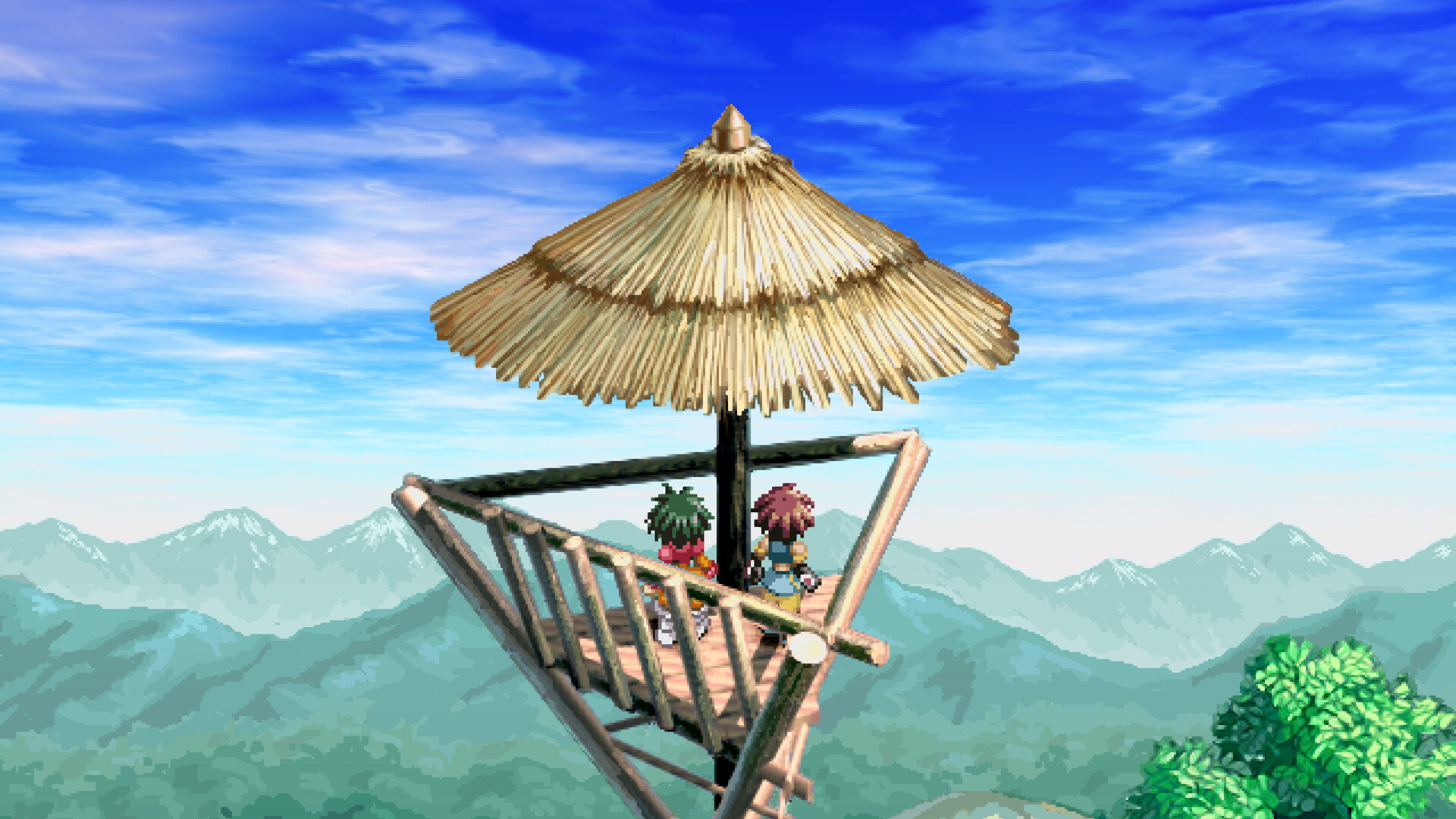
Official Steam promotional screenshot, checked 16 October 2026. © Bandai Namco Entertainment Inc. and © MUTSUMI INOMATA. This illustrates the game’s presentation and is not evidence of a specific settings-menu option.
Pick a baseline you can return to
Before changing convenience options, take a moment to identify your current choices. You can write a short note or use the game’s own interface to remember them. The purpose is to make a change reversible, especially if you are unsure whether an unfamiliar result came from a setting or from the next area of the story.
A useful starting baseline favors clear reading and ordinary-speed observation. Select a graphics and sound presentation you enjoy, leave battle speed understandable, and decide whether visible destination guidance suits your play style. This is not a difficulty recommendation or a requirement for achievements. The sources reviewed for this guide do not establish an achievement penalty or bonus for any combination.
Change one feature at a time and test it during a familiar activity. If you switch graphics, encounter behavior, and battle speed together, you lose an easy comparison. A single change lets you answer whether the feature solved your actual problem instead of merely making the game feel different.
Destination markers: use guidance without surrendering context
Destination markers are a confirmed remaster convenience. They can help recover the direction of a story session, particularly after time away. Before relying on a marker, read the current objective or latest conversation closely enough to know what the destination means. Reaching an icon and understanding the reason for the trip are separate tasks.
If you prefer exploring, decide when you want guidance visible rather than treating it as a permanent test of skill. You might use the available marker option to regain the route, then return to your preferred presentation. Check the current menu for the exact control; we do not provide an unverified keyboard or controller shortcut.
If the marker and your memory disagree, update your objective note before traveling farther. A story event may have changed the next task, or an older guide may refer to another stage. Do not assume that every marked destination also resolves optional conversations, hidden items, or side activities. The official feature description does not make that promise.
Enemy encounters: distinguish travel from preparation
The current Steam description confirms the ability to disable enemy encounters. That can be useful when your immediate goal is following a route you already understand. It does not, by itself, explain which encounter categories are affected or how all progression systems respond. Read the description in your build and avoid extending the claim beyond what it says.
Our suggested approach is to make the choice intentional for each session. When you want to learn new battle actions, keep opportunities to observe combat. When you want a calmer return trip, use the convenience if it suits the current activity. Before proceeding into an unfamiliar challenge, review your available party and commands rather than assuming travel progress guarantees battle readiness.
If you later struggle in combat, check whether the underlying issue is an unfamiliar command, positioning, equipment, or progression. Do not blame the toggle without evidence, and do not infer an exact amount of missed experience from this guide. A current, reproducible comparison would be needed to publish that kind of claim.
High-speed auto-battle: choose when observation matters
The documented feature is high-speed mode during auto-battle. That wording matters: it should not be rewritten as a confirmed speed increase for every scene or all movement. Open the current options and read the feature’s own scope before expecting it to affect an unrelated part of the game.
Use ordinary speed when you need to understand an encounter. If you are comparing an available Arte or trying to see why your character takes damage, fast action can hide the moment you need to examine. Once the situation is familiar, faster auto-battle may suit a different goal, but the source description does not guarantee safe unattended victories.
Before leaving the game to run a battle without attention, consider what you actually know about the encounter. This site does not provide a verified automatic farming route, a resource calculation, or a list of exceptions. An option that accelerates a system is not proof that the outcome is risk-free.
Graphics and sound effects: compare presentation honestly
The remaster allows graphics and sound-effect modes to switch, according to the current official description. Choose a familiar scene and compare one setting while keeping other conditions steady. Pay attention to readability, comfort, and the atmosphere you prefer rather than assuming that a mode name proves a technical advantage.
We have not measured input latency, performance differences, or asset-by-asset changes between these modes. This guide therefore does not claim that one mode is competitively faster or perfectly identical to a particular historical release. Promotional images establish what the game can look like; they are not benchmark results.
If text, effects, or contrast are difficult to follow, check available display and accessibility options in your own copy as well. Avoid applying a configuration from another platform without reading its labels. The Steam listing, console promotional materials, and individual display hardware do not necessarily expose identical choices.
Three task profiles to try
These profiles are starting questions, not preset names found in the game. Adjust them to the options your version actually offers. They are intended to keep convenience choices connected to a player goal instead of turning every switch on at once.
| Current task | Suggested emphasis | Check before continuing |
|---|---|---|
| Learn an unfamiliar battle | Ordinary-speed observation and deliberate commands | Can you explain one action and its result? |
| Recover the story after a break | Destination guidance and a short objective note | Do you understand why the next destination matters? |
| Revisit a familiar route | Travel convenience and preferred presentation | Have you separated travel pace from party readiness? |
After a session, keep the choices that helped and restore the ones that did not. There is no requirement to maintain one profile for the whole adventure. A story-focused evening and a battle-practice session can reasonably use different conveniences.
Troubleshoot a setting that seems ineffective
First verify that you changed the intended option and that the game accepted it. Next, check whether your current activity falls inside the feature’s documented scope. For example, a high-speed auto-battle feature does not establish a change to a story scene. Then return to a familiar comparison point before assuming the feature is broken.
Record the platform, displayed build information, option label, and observed result if the behavior remains confusing. That evidence is more useful than reporting only that a setting did nothing. We do not recommend reinstalling, deleting saves, or changing system-level configuration to investigate an ordinary preference without a clearer diagnosis.
For your first session, use the beginner plan. For battle practice, use the battle and party guide. Exact shortcuts, achievement interactions, encounter exceptions, and performance claims remain unverified here rather than silently filled in from an older edition.
Step-by-step guide
- Choose the session task
Decide whether you are learning combat, recovering a story route, or revisiting familiar ground.
- Compare one setting
Read its current scope and test one option while other conditions remain familiar.
- Record an unclear result
Keep the platform, displayed build, option label, and observed behavior when requesting a correction.
Video evidence
Watch creator walkthroughs alongside this guide. Check the recording date before following requirements that may have changed.
Tales of Eternia Remastered – Announcement Trailer
Official publisher announcement: the two-world premise, party, and remastered battle presentation. A trailer is not a complete route or unlock guide.
Sources
Recheck these links whenever the game version, release status, or strategy changes.
- Steam: exact game listing Current identity, release listing, A-LMBS, named remaster conveniences, and official screenshots.
- Bandai Namco: official game page Publisher confirmation of the adventure, combat presentation, and current edition.
- Tales of Eternia Remastered – Announcement Trailer Official publisher announcement: the two-world premise, party, and remastered battle presentation. A trailer is not a complete route or unlock guide.
- Tales of Eternia Remastered - Official Trailer Launch-period story and battle footage distributed by GameTrailers. Useful visual context; montage footage does not establish exact inputs or prerequisites.